
The Power of Collaboration—Built for Subcontractors.
Better Collaboration Now Available
for Subcontractors
Through a unique collaboration, CEI DBE Services and OnStation make it easier for subcontractors to win more work. Together, we simplify communication, improve field documentation, and strengthen coordination with primes.
What is OnStation?
OnStation is the first-ever digital stationing platform purpose-built for road construction and civil engineering teams. Our product is grounded in the core of every road project: location.
We bring location, design, documentation, and team communication into one easy-to-use app. With OnStation, teams can reduce rework, speed up decision-making, and build more safely and efficiently—without relying on physical stakes or paper maps.
Why Subcontractors Are Getting Started
These are just a few of the reasons why subcontractor teams have seen real value in using OnStation on their projects.
 Instant Digital Stationing
Turn your CAD files into an interactive map so you can see your station, alignment, and offset right from your phone. No need for paper plans or second-guessing.
- Station Finder
- Flag + Photo Capture
- Offline Access
 Effortless Field Documentation
Anyone on your team can drop photos, notes, and flags in real time—tied to exact stationing. It’s the easiest way to show what happened and when.
- Location-stamped photos & notes
- Share updates with your prime
- Real Time Testing Visability
 Quick Start for Subcontractors
Thousands of project alignments are already available in the app across the U.S., so your team can start fast—no heavy setup.
- I-69 Finish Line
- SR-177 (West Davis Highway)
- FM 1287
Proven Across the Industry
OnStation is used by over 500 organizations and 18 DOTs. With a 99% renewal rate, it’s helping teams in the field and office work smarter every day.
- SOC 2® Certified to keep your project data secure and reliable
- OnStation’s customer community grew by 52% this year so far
- Average team up and running in less than one day
 Ready for Prime + Sub Collaboration
Built to handle complex projects with reliable uptime, secure sharing, and integrations that plug into tools you already use.
- Trimble GNSS
- FleetWatcher, HCSS
- TransTech PQI Sync
 Trusted by Leading Primes & Subs
Field and office teams use OnStation to align work, document progress, and close out faster—together.
- Station Finder with live location
- Flags, photos, and notes tied to stationing
- Shareable links for primes/owers
Ready to Get Started?
Contact your Account Executive today to begin your OnStation trial journey.
What Our Customers Are Saying
Real results from crews using OnStation to communicate with primes, document work, and get paid faster.
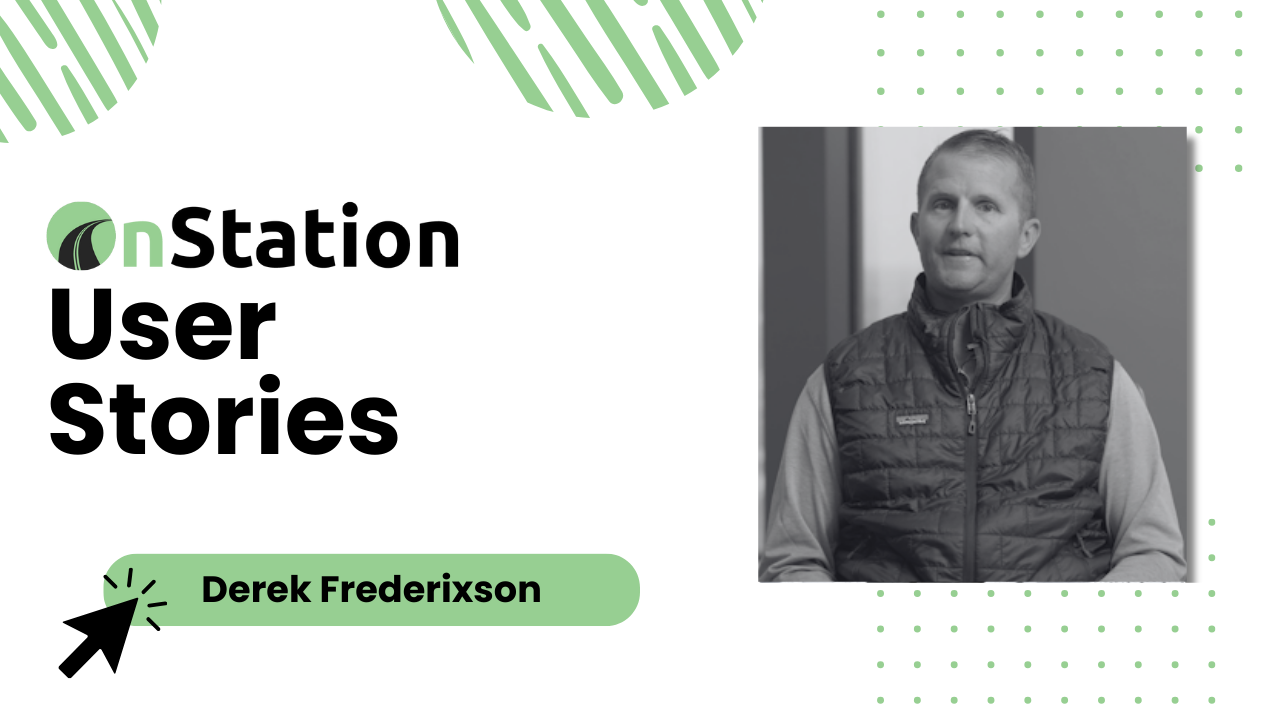
Saving 2+ Hours a Day on QC
Mathy cut late-night data entry and sped up compaction tracking with station-tied photos, notes, and flags.
Watch the Story
Keeping Subs Aligned on I-4
RS&H reduced manual work and simplified inspections with location-based documentation—so subs and inspectors stayed on the same page.
Read Case StudyMissed the event?
You can still catch the CEI + OnStation webinar and see how digital stationing is changing the way crews, inspectors, and owners work together. In this session, we share real project examples that highlight how location awareness saves time, prevents disputes, and improves documentation across the board.
You’ll also hear from industry experts as they discuss best practices for collaboration and answer audience questions with practical insights you can apply right away. From streamlining communication to keeping projects moving forward, this replay is full of takeaways you won’t want to miss.
FAQ
-
Great question! First, download the OnStation App. Then sign in (or sign up for a free account) and use the “Nearby” tab on the home screen to see available projects in your area.
There are thousands of projects already in our database, so there’s a good chance yours is ready to go.
Don’t see your project? No worries. You can easily submit it through the OnStation Portal, and our engineering team will work with you to get it loaded into the app.
-
Exporting data from OnStation is quick and easy through the OnStation Data Portal. Project managers can export information—like flags, forms, photos and more—at any time with just a few clicks.
Here’s a high-level overview of how it works:
1. Log into the OnStation Data Portal.
2. Select the project you want to export data from.
3. Choose the type of data you’d like to export (e.g., Flags, Forms).
4. Apply filters if needed (tags, date ranges, user groups, etc.).
5. Click to export your data in the format that best fits your needs (CSV, PDF, KML, SHP, etc.).
Want step-by-step help? Check out these Knowledge Base articles:
📌 Exporting Flag Data -
No—your data is secure. Competitors and other outside parties cannot see any of your proprietary information within OnStation unless you choose to share it.
You have full control over your data through OnStation’s sharing settings. While project locations in the app are based on public information and visible to all users, the data captured within a project—like flags, photos, notes, forms, and tags—is private to your organization by default.
Only your organization and those you explicitly grant access to can view or interact with that data. You decide who sees what.
For more details on how we protect your information, check out our full data privacy breakdown:
-
Anyone on your team who’s issued PPE (personal protective equipment) should probably have the app—that’s a good starting point. But more broadly, if someone needs to know where something is happening, see project details, or collaborate with others on-site, they’ll benefit from using OnStation.
We built OnStation with field crews in mind—boots on the ground first. That means most people who step foot on a project, whether it’s a foreman, inspector, operator, or engineer, can get value from having quick access to stationing, maps, notes, flags, and more, right from their phone.
In short: if they’re on the project and need to stay informed, they should probably have the app.
-
No signal? No problem. OnStation has offline functionality built right in. Just download your project files ahead of time when you have service, and you’ll still be able to access live stationing—even when you’re off the grid (or feel like you’ve fallen off the map entirely).
So whether you’re in the middle of nowhere or just that one weird dead zone on the jobsite, you won’t be lost. Unless you're actually lost… in which case, maybe check your surroundings first 😅
For step-by-step instructions on how to enable and use offline mode, check out this helpful article:
-
There are no account or project setup fees just to get started—being a user in the app is quick and easy.
For organizations, we offer optional onboarding support that can be included with your purchase. This setup is designed to make sure everything runs smoothly from day one. It includes things like:
Getting your organization settings configured
Importing users
Turning on in-app trainings for your team
Scheduling virtual training sessions
Making sure all your projects are loaded into the app
Organizing tags, PLI, and user groups for cleaner data and easier filtering
It’s all about setting your team up for success—so the road crews can spend less time figuring things out and more time capturing and sharing the info that matters.